Returnless
Returnless supports two connection paths with Faslet:
- App installation started in Returnless and completed in the Faslet Partner Portal.
- Manual API key setup in the Faslet Partner Portal.
App installation
Use this flow when the Returnless app sends the merchant to Faslet to complete installation.
-
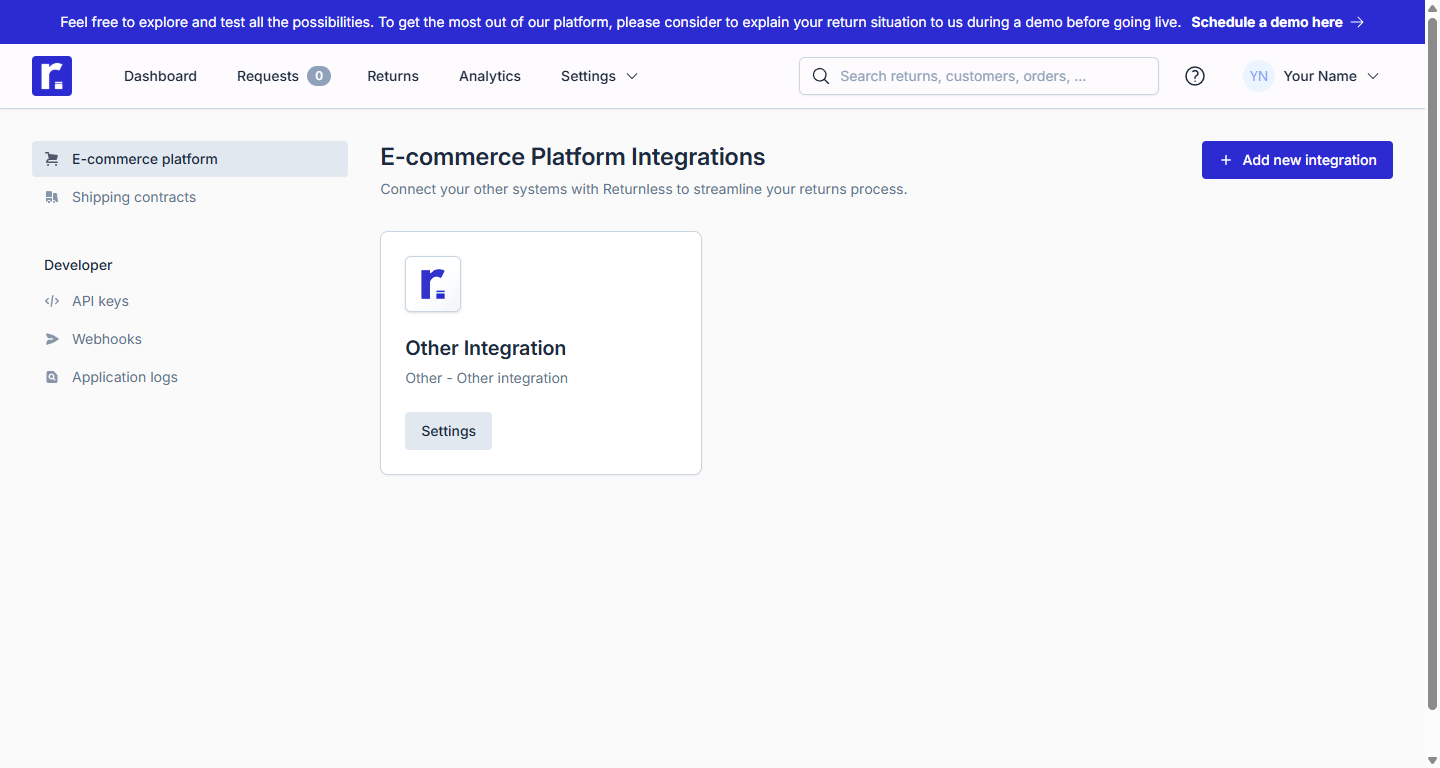
Head to the Returnless E-commerce connections page.
-
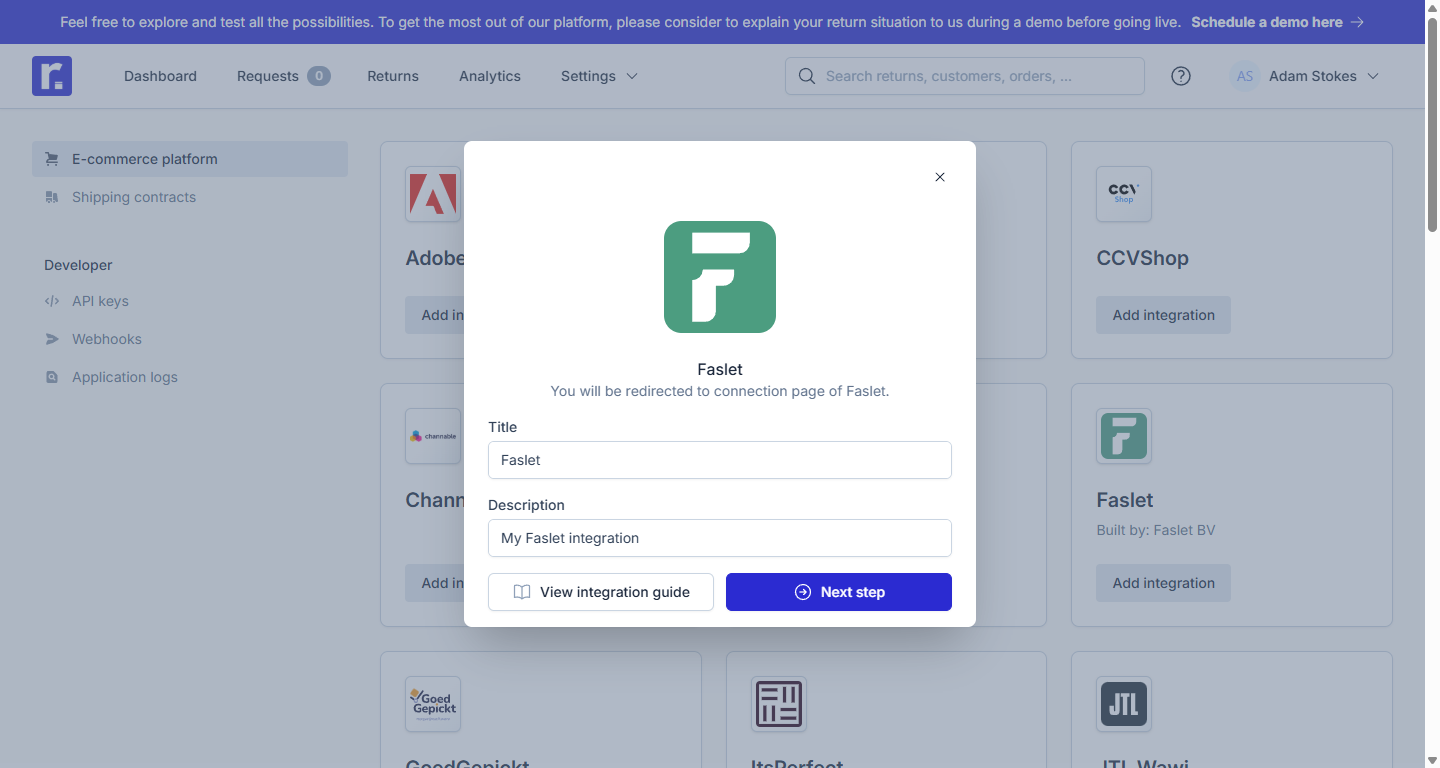
Select the Add new integration button and enter details.
-
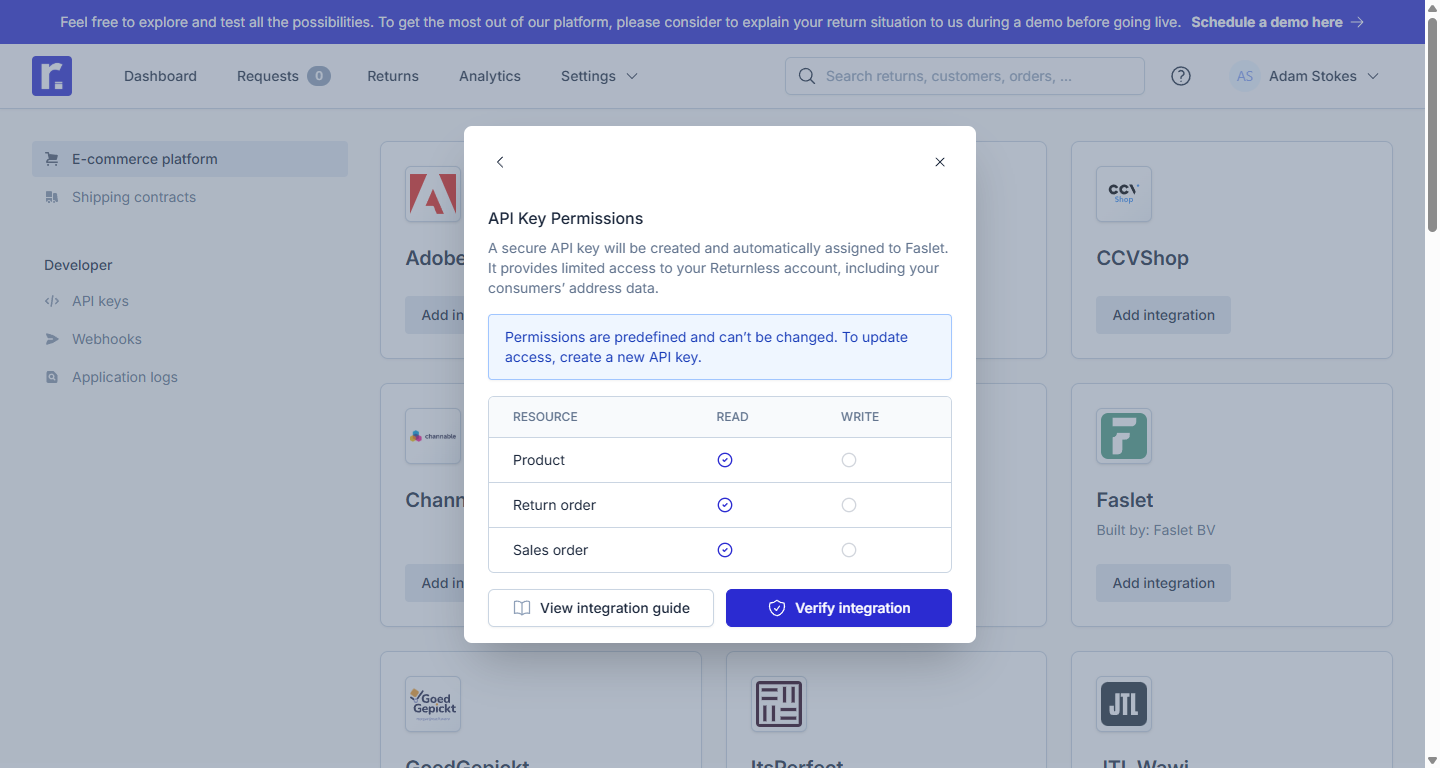
Accept the permissions.
-
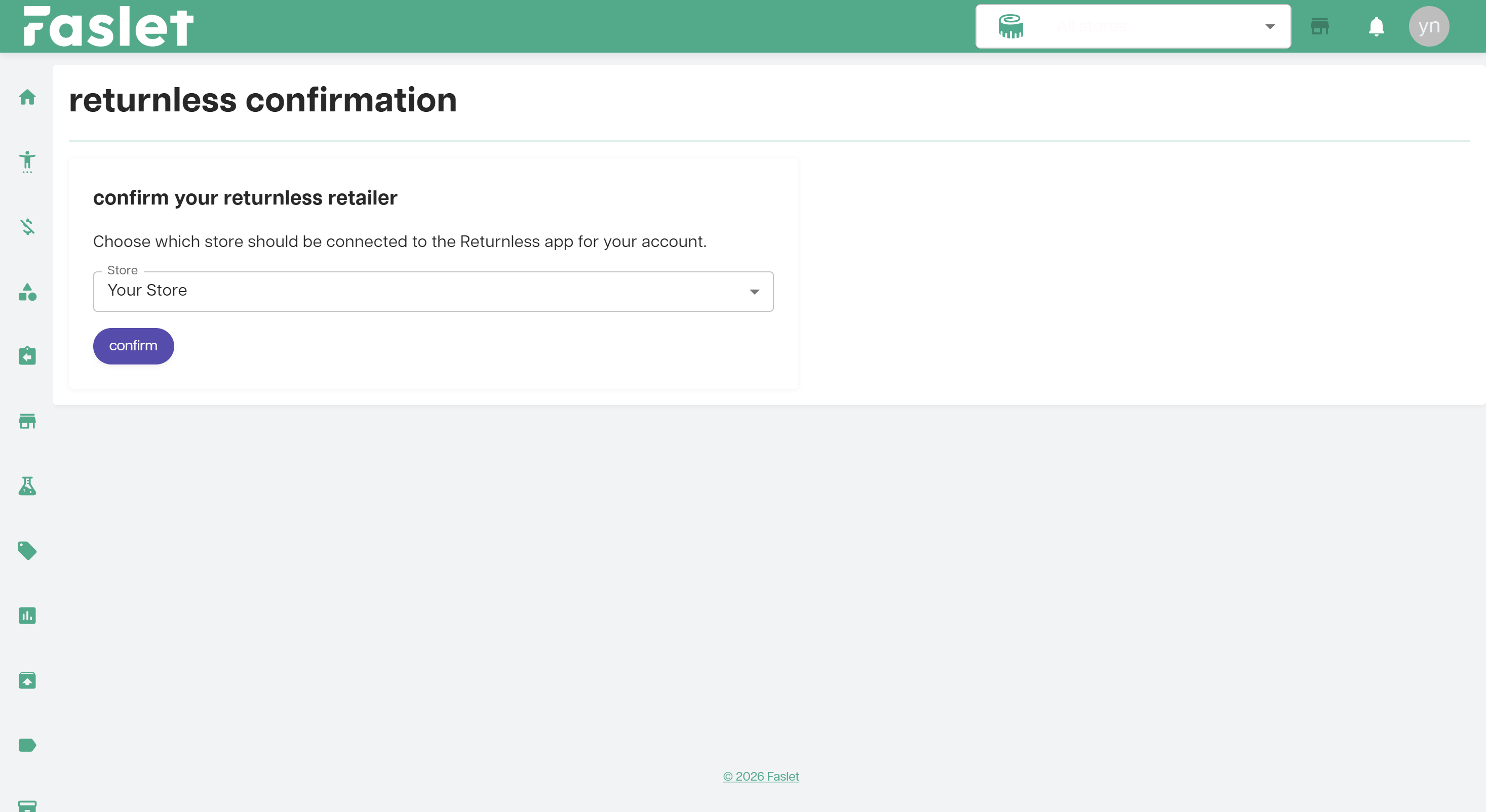
Confirm your store on the Faslet portal.
Manual API key setup
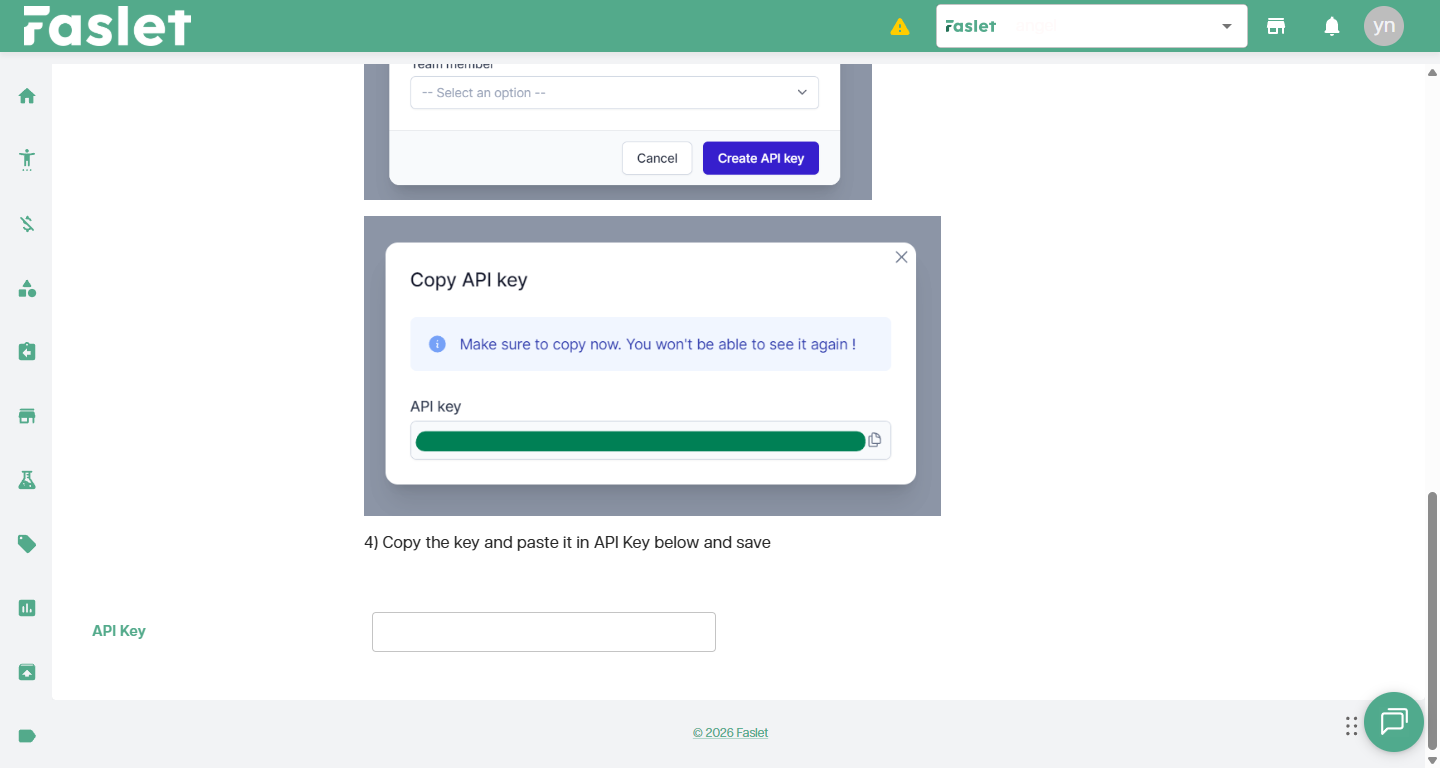
This setup flow is shown on the Returnless integration page in the Faslet Partner Portal.
-
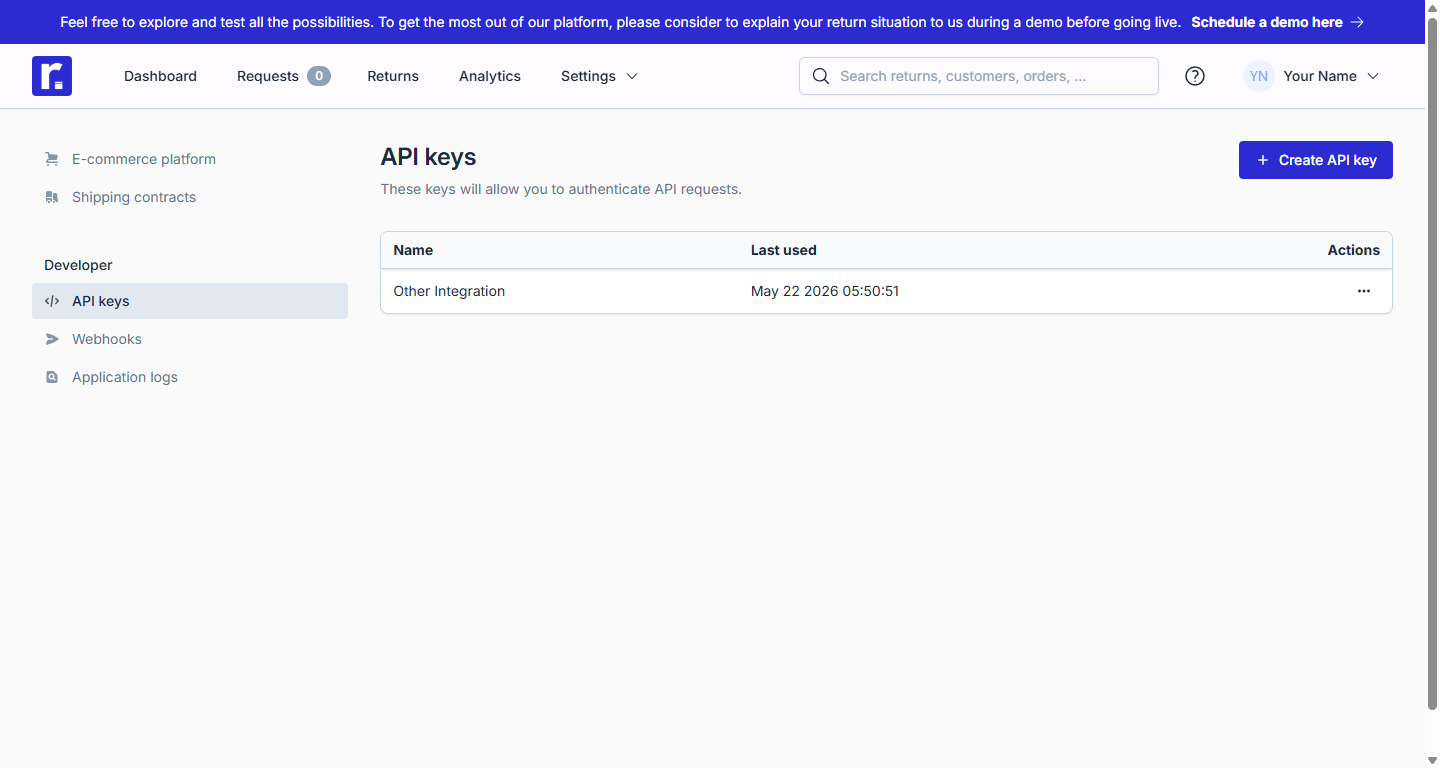
Navigate to Returnless API Keys.
-
Create an API key called
Faslet.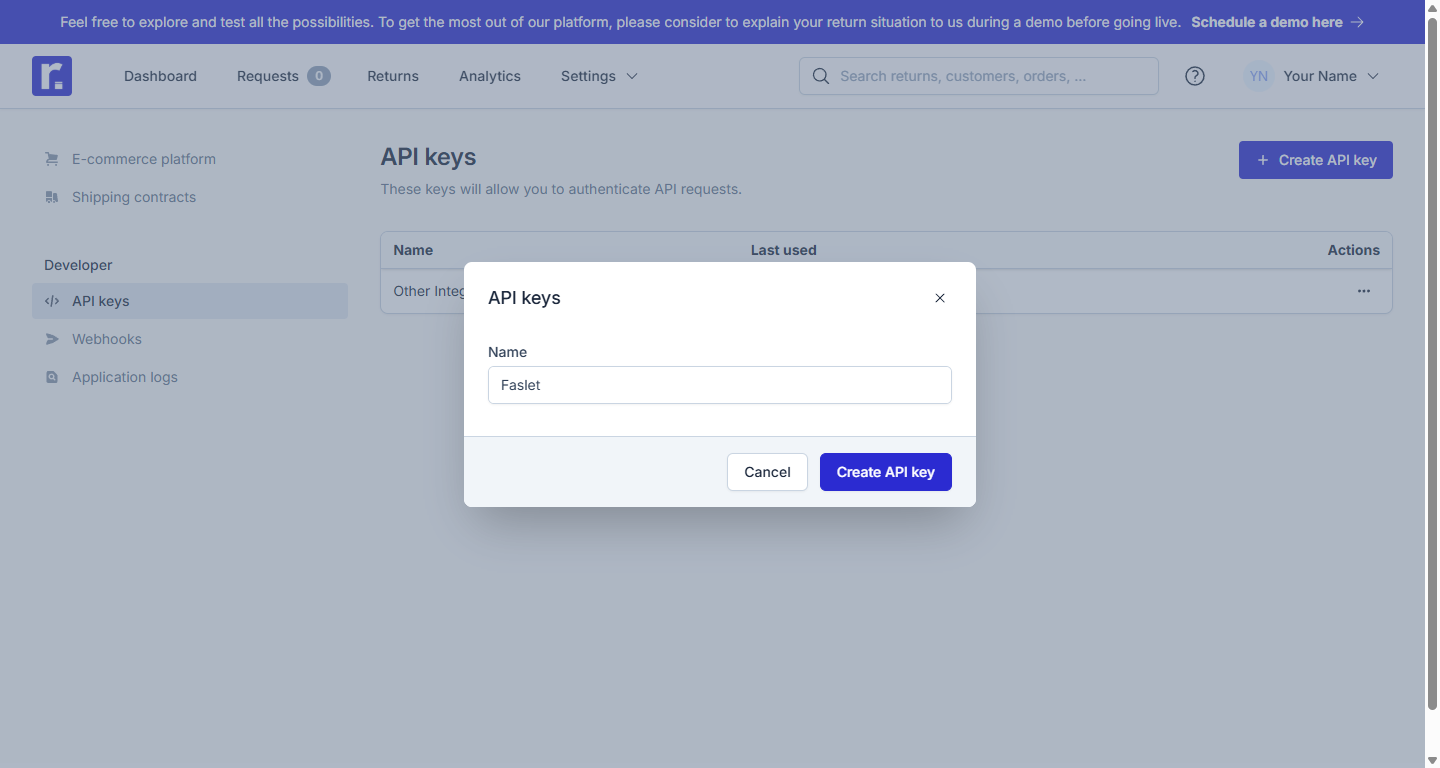
-
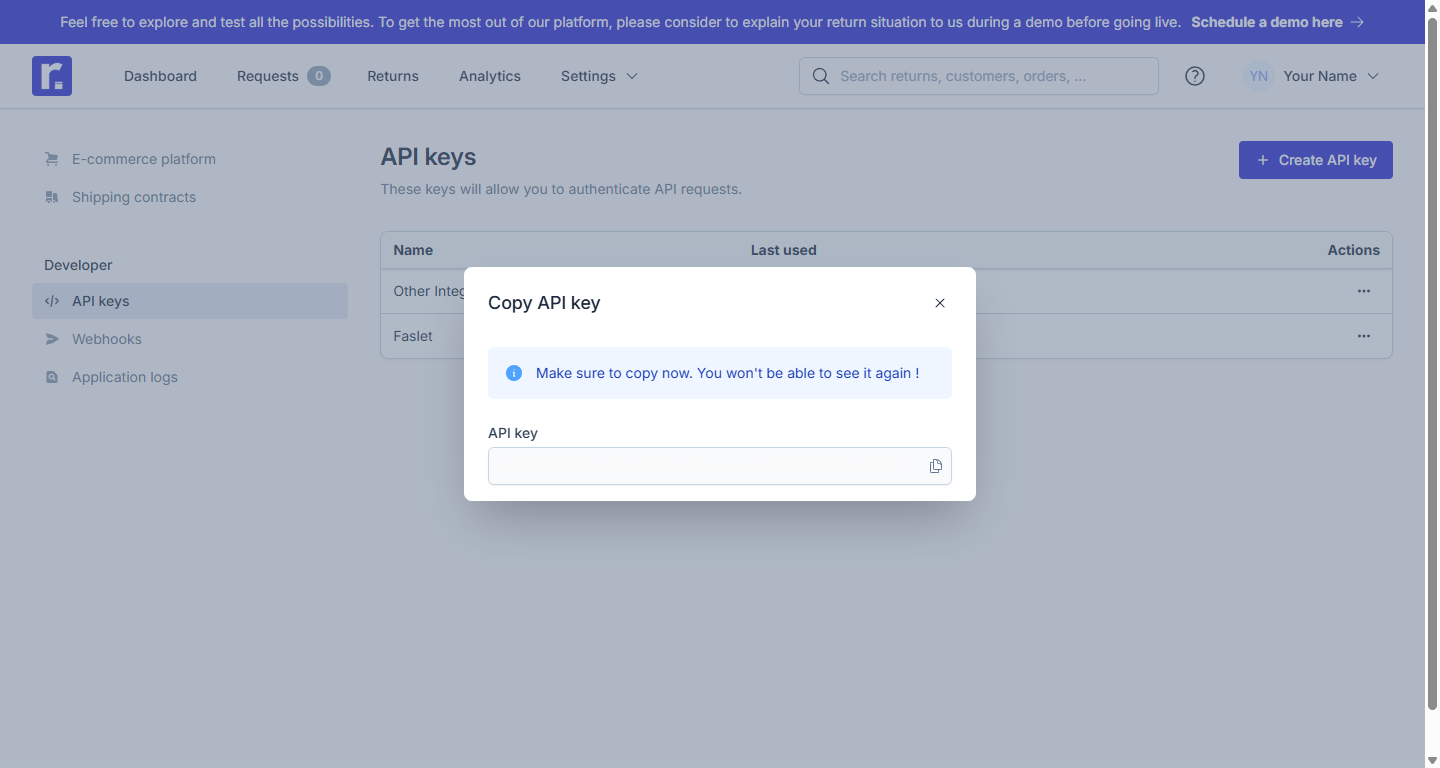
Copy the key.
-
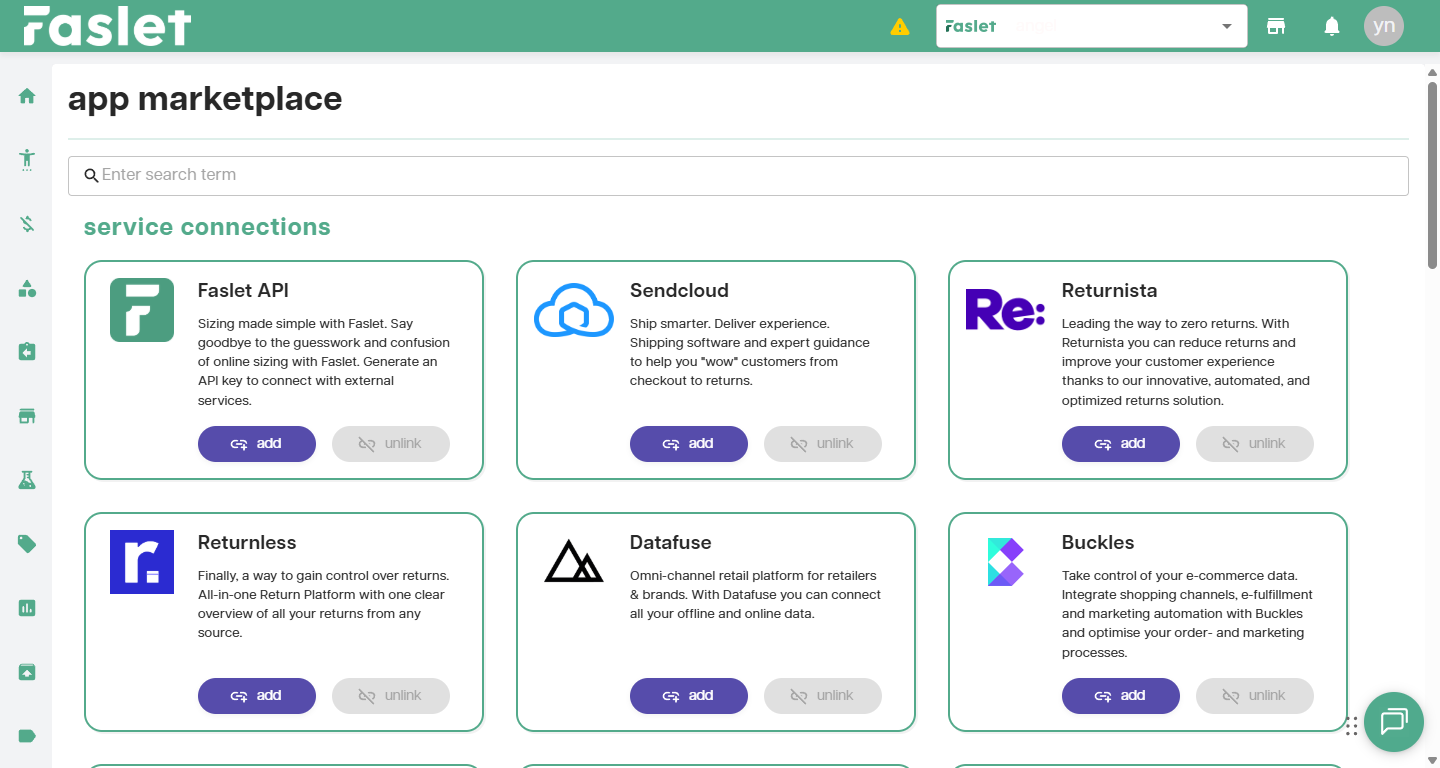
Head to the Faslet App Marketplace.
-
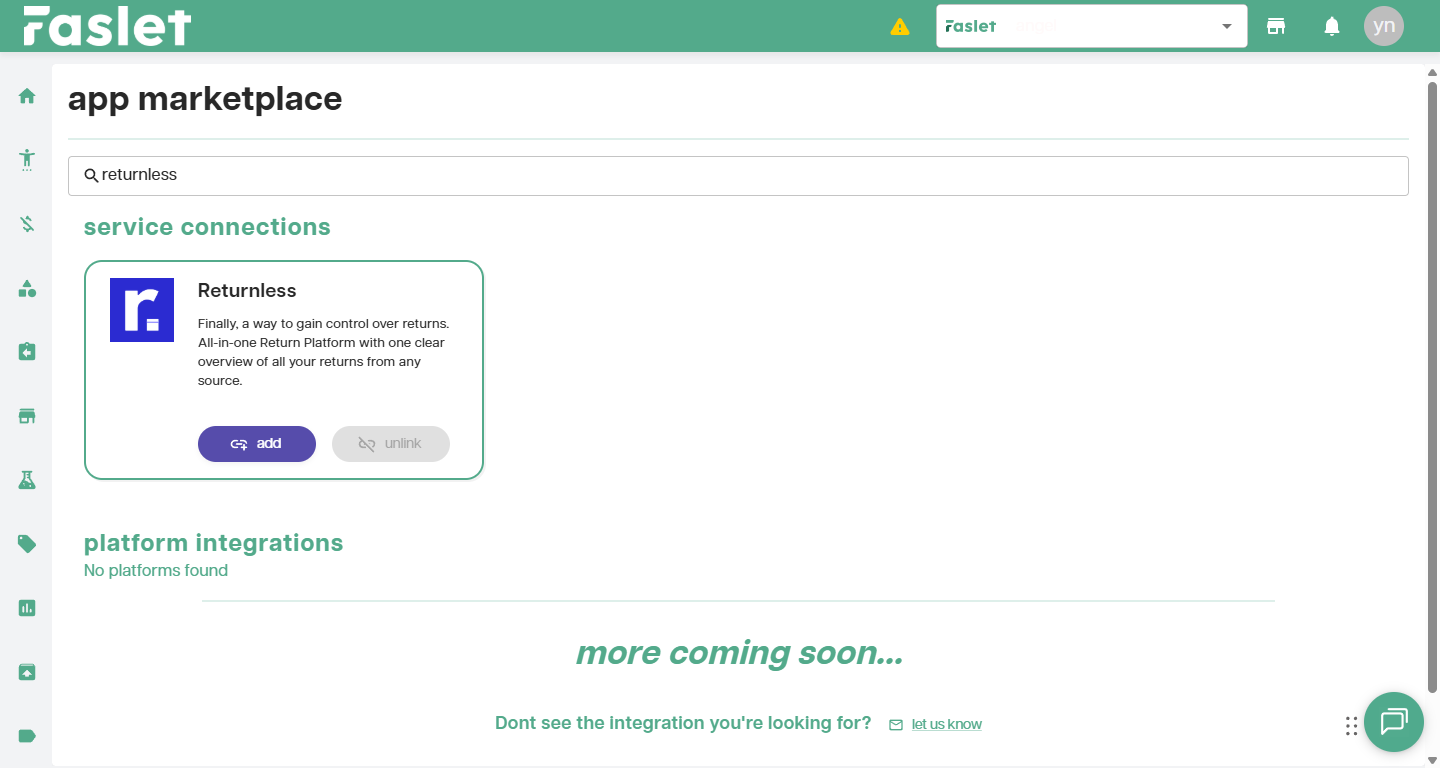
Find the Returnless integration and select the add button.
-
Paste the key into the
API Keyfield and save the integration.